Private, On-Device Tracking
Pin anything to motion in seconds. Make your edits follow the action. Processing happens entirely on your device with zero uploads.
What people use it for
StickToGif handles the tricky moving edits that static editors can't.
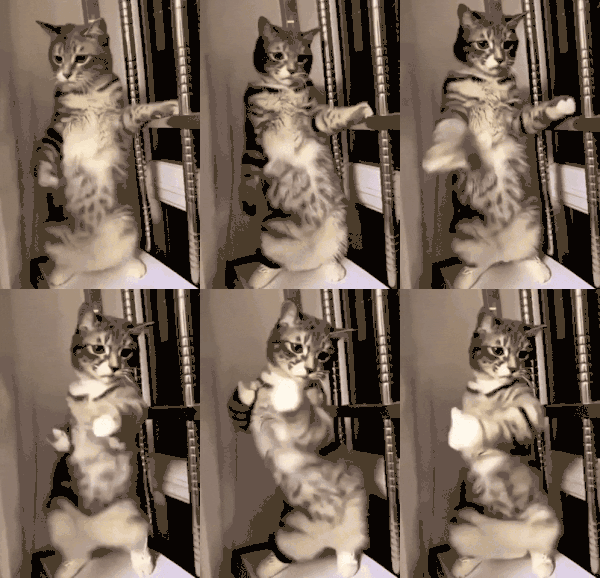
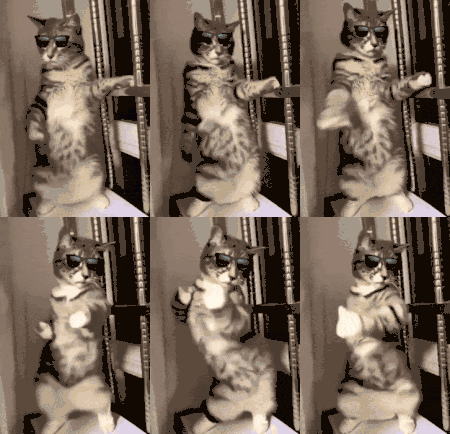
Pin a reaction face or custom image that follows your friend exactly.
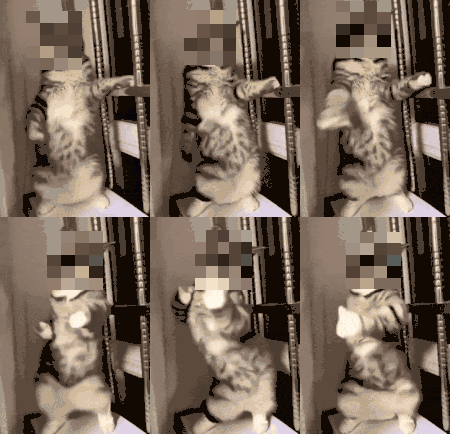
Blur a face or license plate automatically as it moves through the frame.
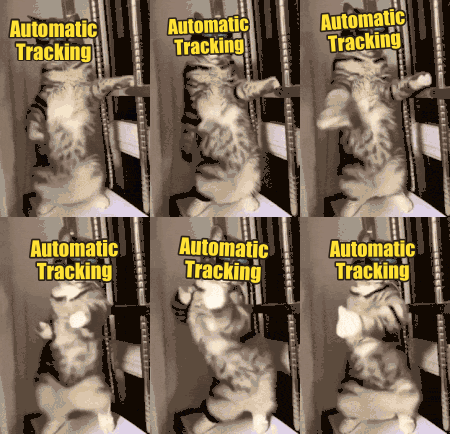
Add captions that stick to a moving subject instead of floating globally.
Highlight a player across a messy, fast-moving play.
Comparison
How it works
Real computer vision under the hood, but the workflow stays simple.
Under the hood
For people who care how it works, StickToGif uses WebAssembly, Web Workers, and optical flow tracking to process frames locally on your device.
That means you get a private GIF editor with real tracking instead of a basic sticker tool. The media stays local, the tracking happens in-memory, and the output is ready to save or share when you are done.
FAQ
Yes. No subscription, no paid export tier, no watermark, no account wall. The goal is a useful tool you can actually keep around.
The tracking runs locally on your device using WebAssembly and background workers. Your media is not uploaded to a remote server for processing.
You can import animated GIFs, MP4s, and MOVs from iPhone. StickToGif is built for short clips and exports shareable GIFs.
People, pets, faces, objects, screens, license plates, and other visible subjects that stay readable across frames. It works best on short clips with clear motion and decent contrast.
Yes. You can upload your own image as a sticker, use the built-in emoji presets, add moving text, or apply blur instead.
Yes. StickToGif runs on iPhone and iPad. The core editing flow is the same on both.