Month & year photo calendar for iPhone & Android

Every month, every year, one photo a day.

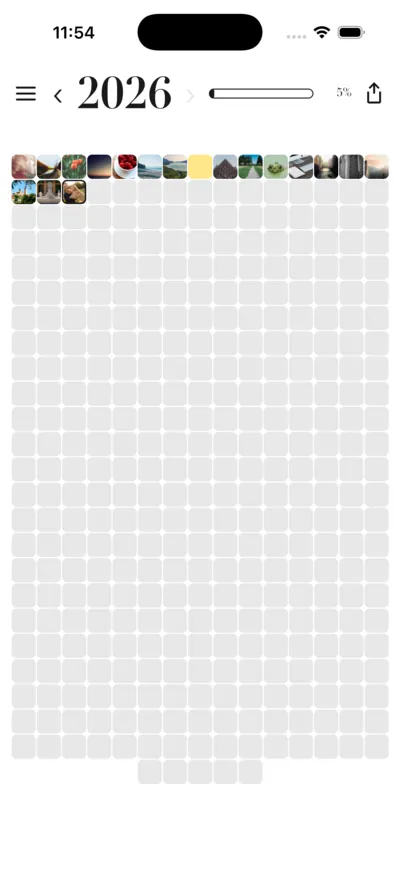
Your Year turns your camera roll into a photo calendar. Recap this month in seconds or see your whole year on one screen, then share it or print it.

  • Free, no ads
  • No account
  • Photos stay on your phone

On a computer? Scan to get Your Year on your phone.

Your Year showing 2025 as a grid of 365 photos, one per day Month view of August with one photo per day

One photo a day. One square at a time.

Every day you take a photo becomes a square. Start today and watch your year fill in.

  • Days so far
  • Today
  • Still to come

You take thousands of photos. You rarely look back.

They pile up in an endless scroll. Your Year picks one photo for each day and lays them out like a calendar, so this month, or a whole year, finally fits on one screen.

How it works

Ready in seconds

  1. 1

    Open the app

    Allow photo access. There's no sign-up and nothing to set up.

  2. 2

    Watch your month fill in

    Your Year picks one photo for each day, from your whole library or only the albums you choose.

  3. 3

    Make every day yours

    Tap any day to choose a different photo, or give it a color instead.

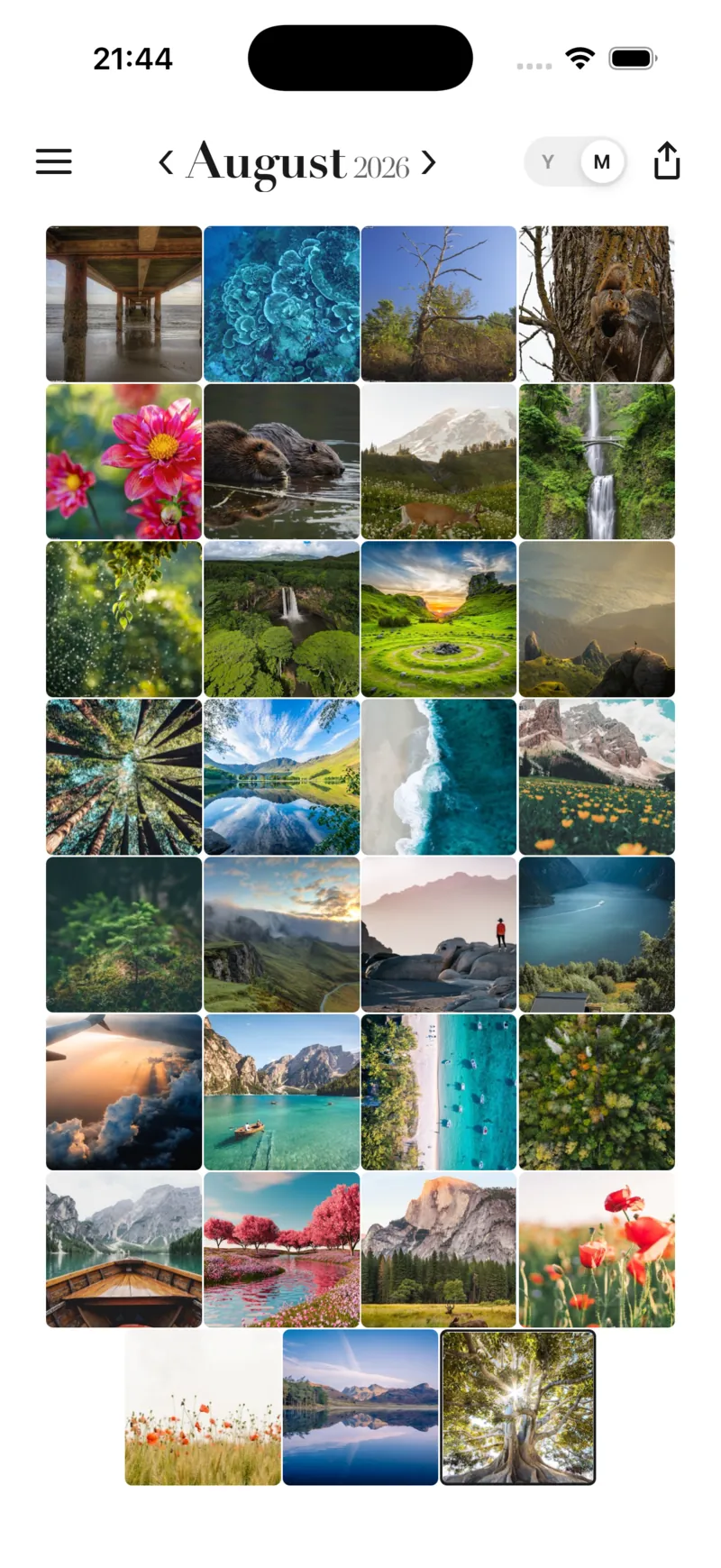
Month view of August in Your Year, one photo per day

Month view

Your month, in photos

Don’t wait until December. Open Month view and recap the last few weeks in seconds, with a big photo for every day.

  • Every day of the month at a glance
  • Swipe back to any month of any year
  • Share or print a month, just like a year
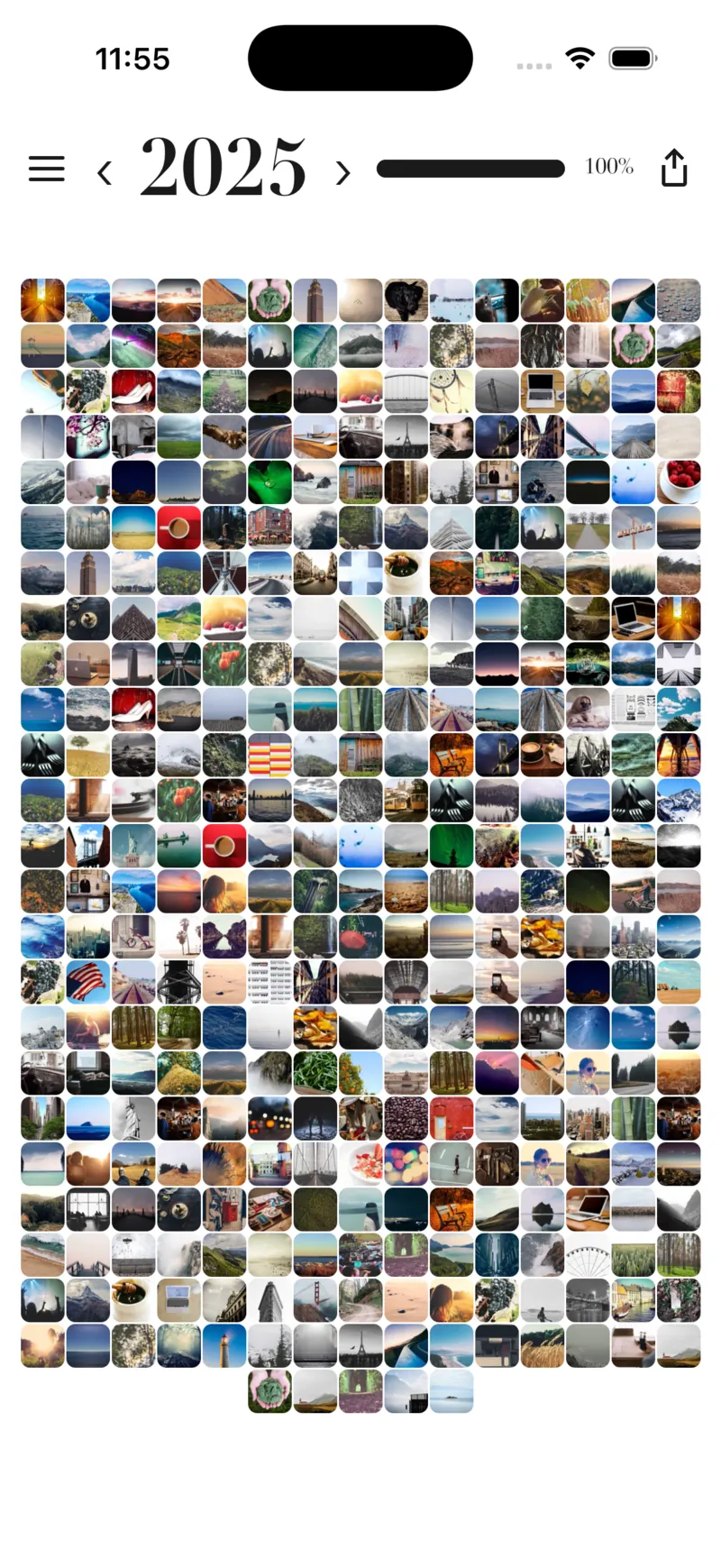
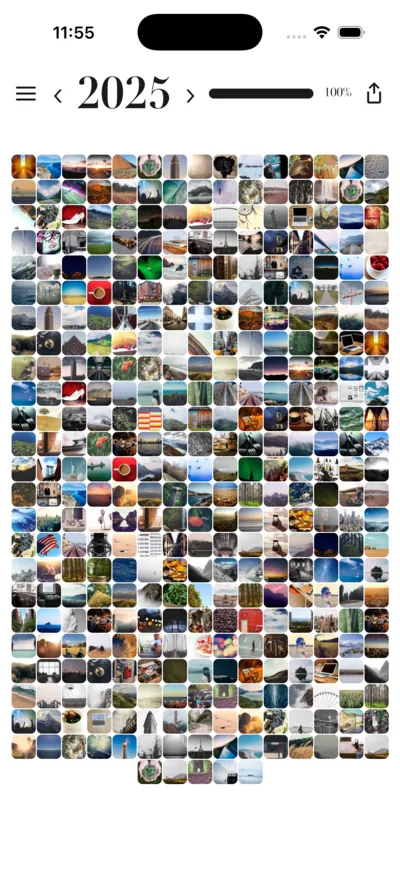
Year view of 2025 in Your Year, 365 photos in one grid

Year view

All 365 days on one screen

Zoom out and your whole year appears as one mosaic. Swipe back through every year in your library and watch your life change, season by season.

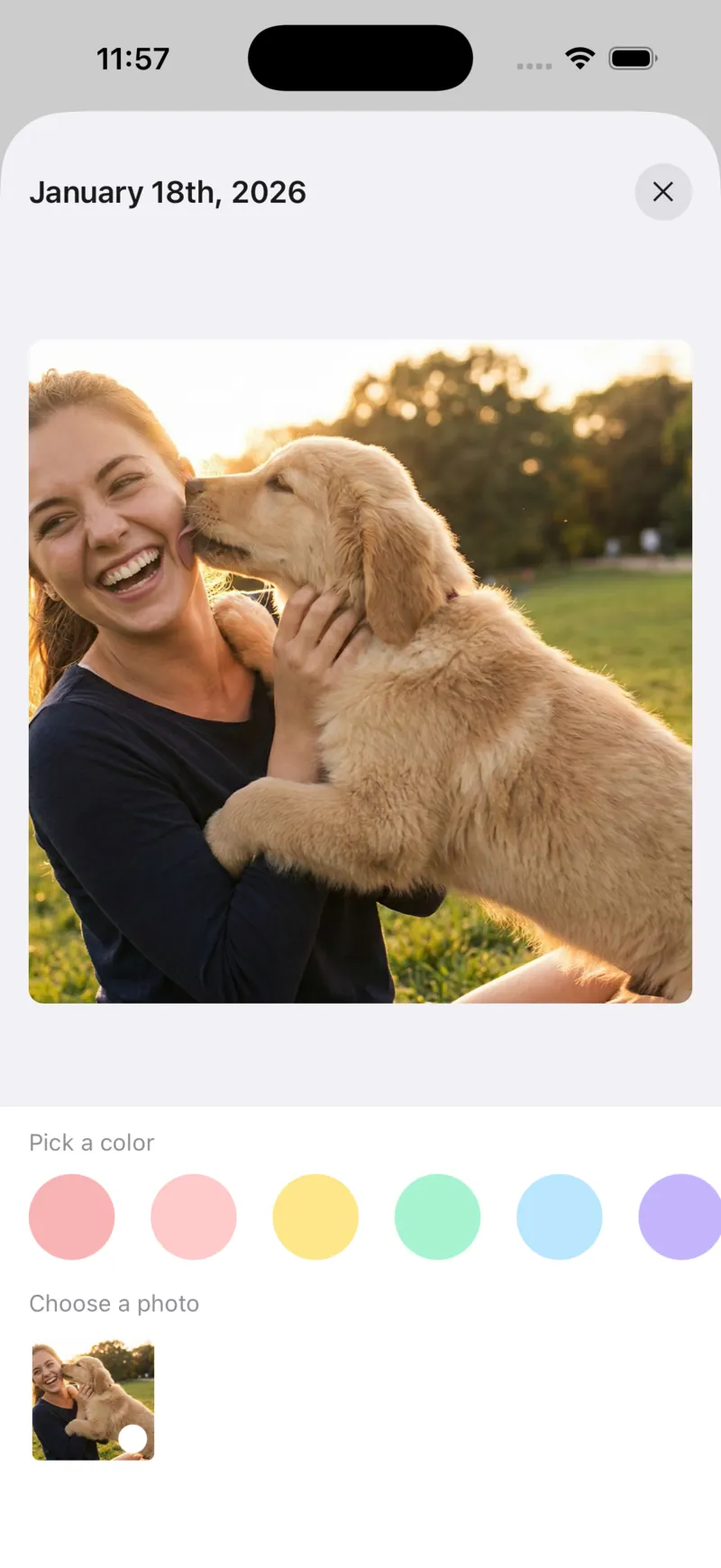
Choosing the photo for a day in Your Year

Tap any day

The best photo of every day

Tap a day to see its photos and choose the one that tells the story. Nothing that day? Your Year can borrow a photo from up to five days before, or you can give the day a color.

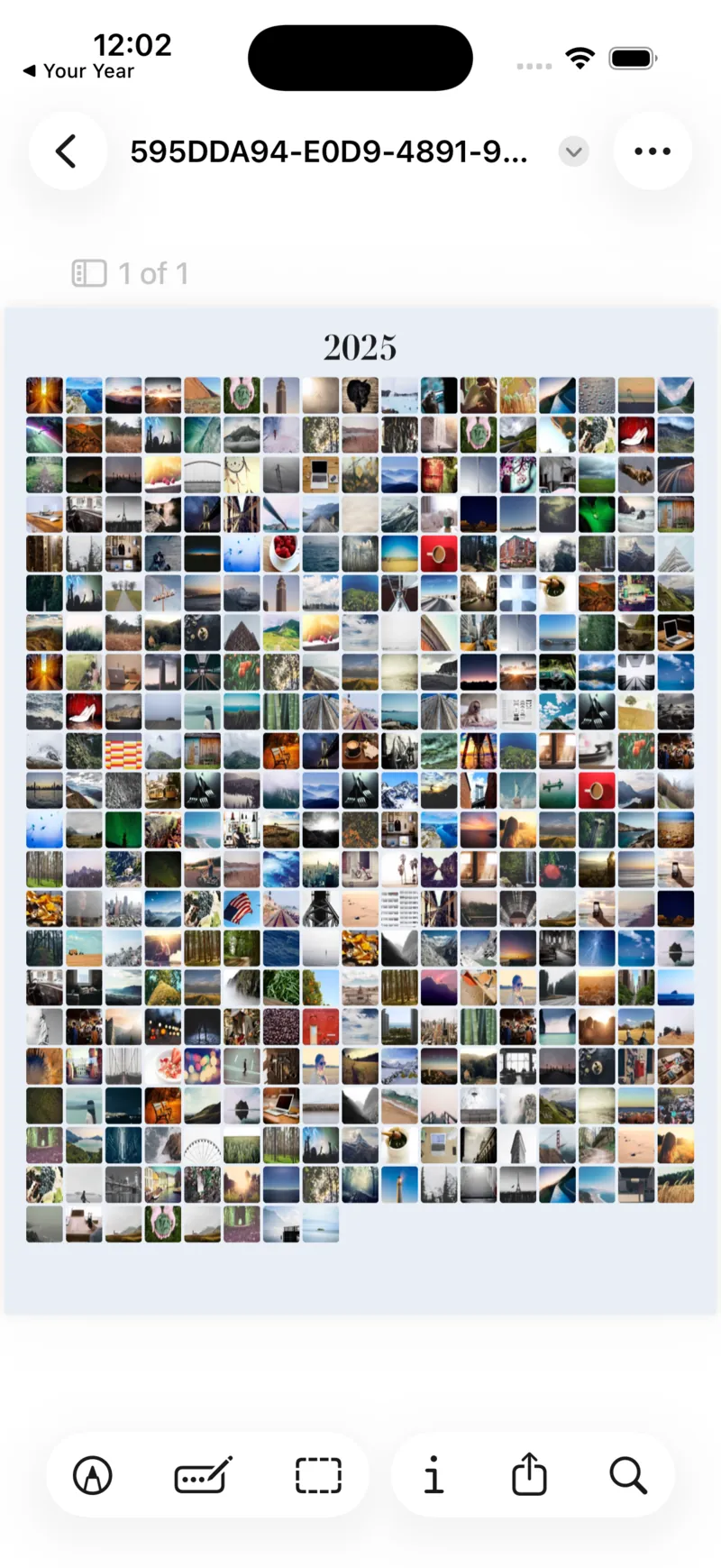
A full year of photos exported as a printable poster

Print & share

Turn your year into something you can hold

Export your grid in the format you need:

  • Instagram image for Stories and Feed
  • A4 image, ready to print
  • High-resolution A4 PDF poster
  • Hobonichi sheet: 2 × 2.4 cm photos to cut out and stick in your journal

A printed year also makes a lovely gift.

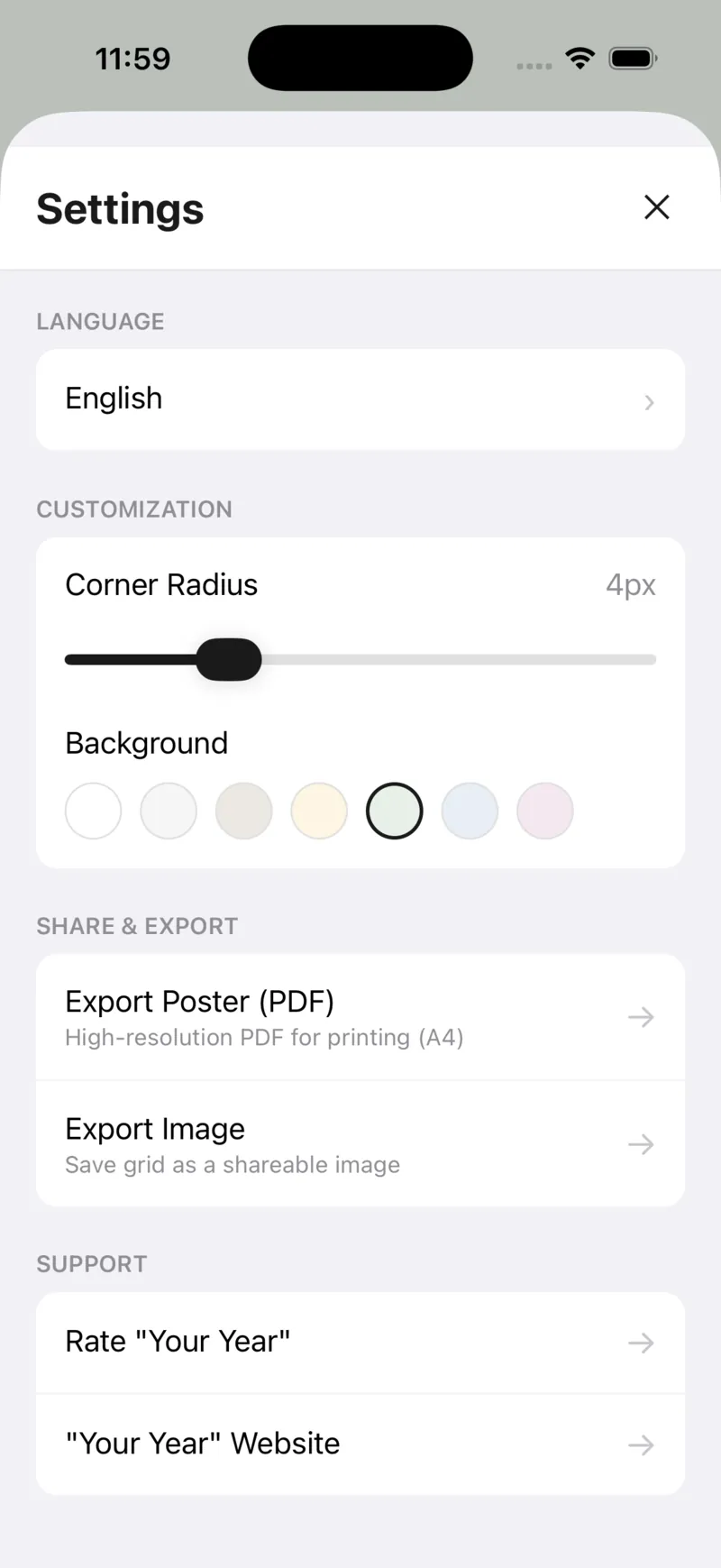
Your Year settings for corner radius, background and export

Make it yours

Calm, clean and yours

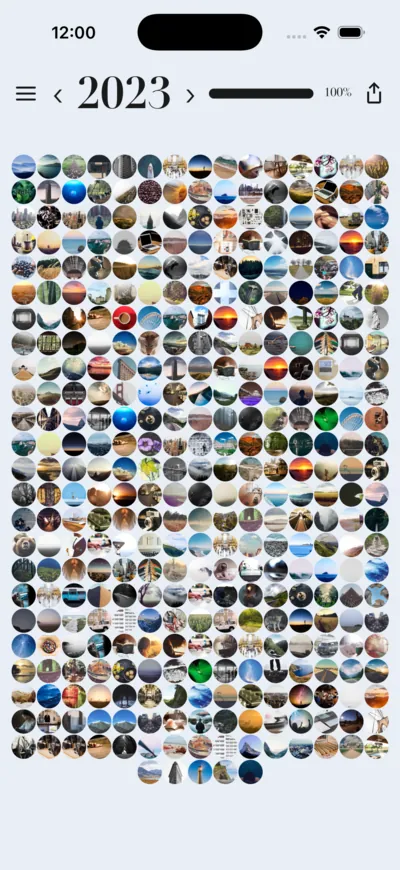
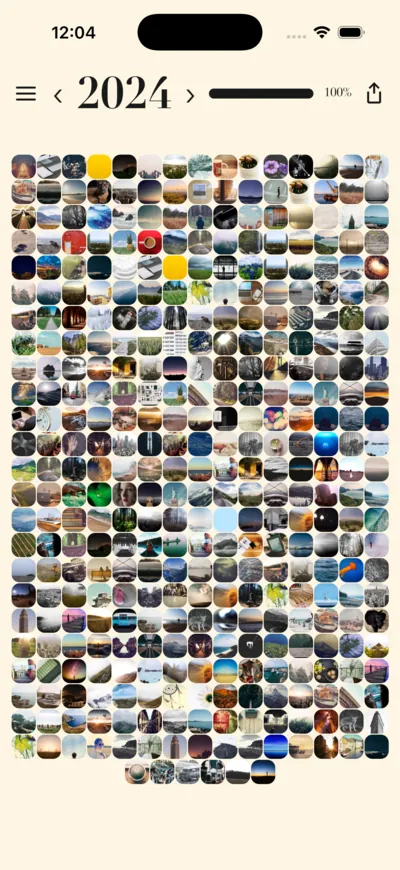
Round the photos into circles or keep them square. Choose the background, the columns, the spacing and the font of the title. No feed, no likes, nothing to scroll past.

Every year you've lived, side by side

Your Year works with any year in your photo library, and starts filling in the current one from today.

2023
2023
2024
2024
2025
2025
2026
2026

Privacy

Your photos never leave your phone

Your Year reads your library on your device to sort it by date. That's all it does with it.

  • No account

    Open it and start. No email, no login.

  • No cloud

    Nothing is uploaded. Ever.

  • No tracking

    The app has no analytics, ads or third parties.

  • Works offline

    Even in airplane mode.

Made for people who want to remember

  • Monthly recap

    At the end of each month, see it in one grid and share it.

  • Year in review

    On New Year's Eve, see what your year really looked like.

  • Journals & Hobonichi

    Print tiny photos sized for your planner.

  • Parents

    A year of your kids growing up, one day at a time.

  • Travelers

    Your trips stand out at a glance as bursts of color.

  • Photo-a-day projects

    Spot the gaps and keep your 365 going.

Available in English, Spanish, German, French, Italian, Russian, Japanese, Korean and Chinese (Simplified and Traditional).

Questions

Is Your Year free?

Yes. It's free to download and use, with no ads, no subscriptions and no in-app purchases.

Can I see just one month?

Yes. Switch to Month view to see one photo for every day of the month, swipe to any other month, and share or print it like a year.

Does Your Year upload my photos?

No. Everything happens on your device. There are no servers, no cloud and no account.

Why does it need access to my photos?

To find the photos you took each day and show them in the grid. It reads them locally and never sends them anywhere.

How is the photo for each day chosen?

Your Year picks one automatically. Tap any day to choose another photo from that day, or a color. You can also limit it to the albums you want.

Can I print my year?

Yes. Export it as an A4 image, a high-resolution A4 PDF poster, an Instagram image, or a Hobonichi sheet with 2 × 2.4 cm photos.

Can I see previous years?

Yes. Go back to any year in your photo library, in Year or Month view.

Which devices does it work on?

iPhone, iPad, and Android phones and tablets.

Does it work offline?

Completely. Your Year never needs an internet connection.

Start seeing your year.

Free on iPhone and Android. Your photos stay yours.